
From the mobile app home screen, tap the contacts counter, then Add a new Contact. Choose voice capture, scanning a card or badge, manual entry, or import from your phone.
Manual entry
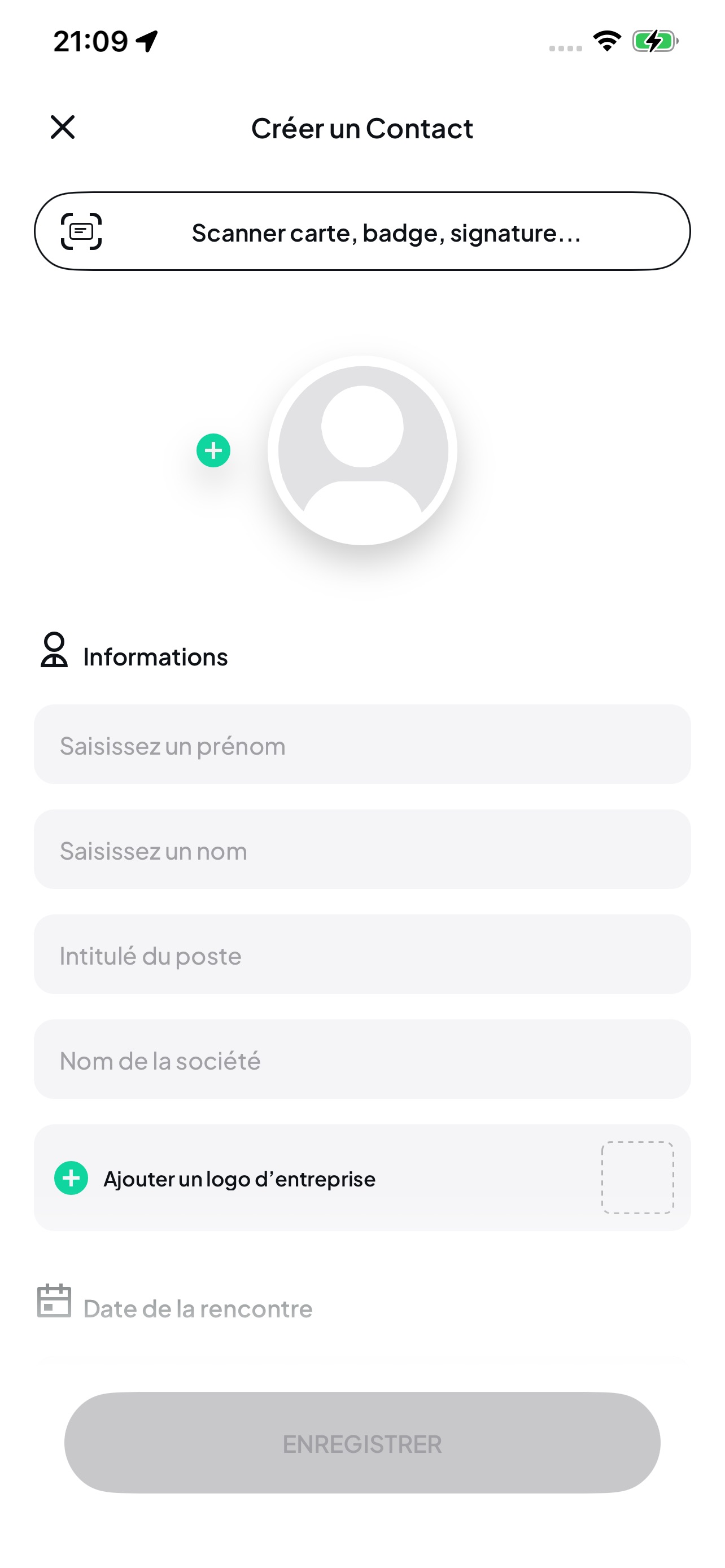
Choose Add manually, enter the details and tap Save. Then choose Add to my contacts for a personal contact.
Scanning
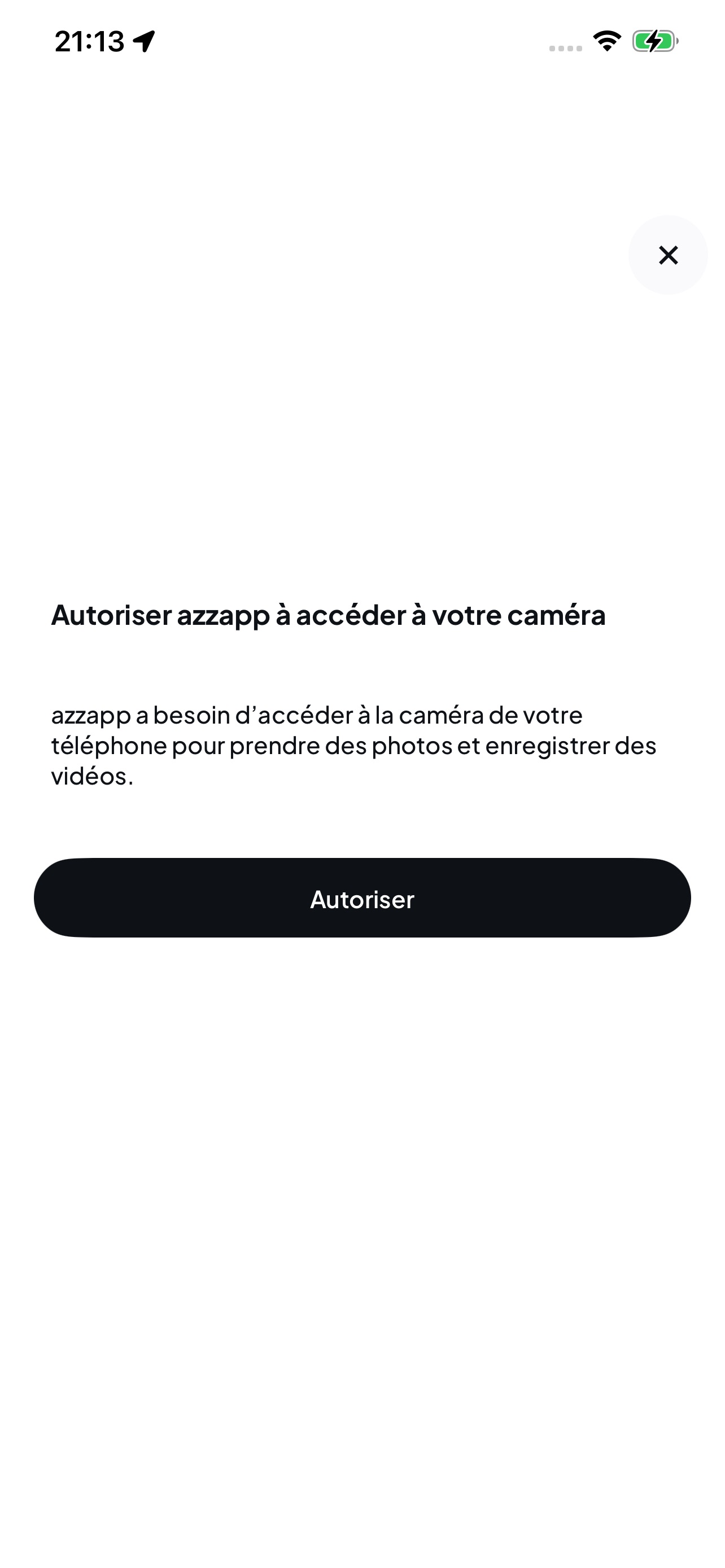
The scanner may ask for camera access before you can scan.
Voice capture
Open Features and tap Voice exchange to reach the recording screen.