
From the mobile app home screen, tap the pencil icon on your current Card, then open the Design tab in Edit my Card.
The Design screen offers color, logo and dynamic design controls.
3. Editing your card
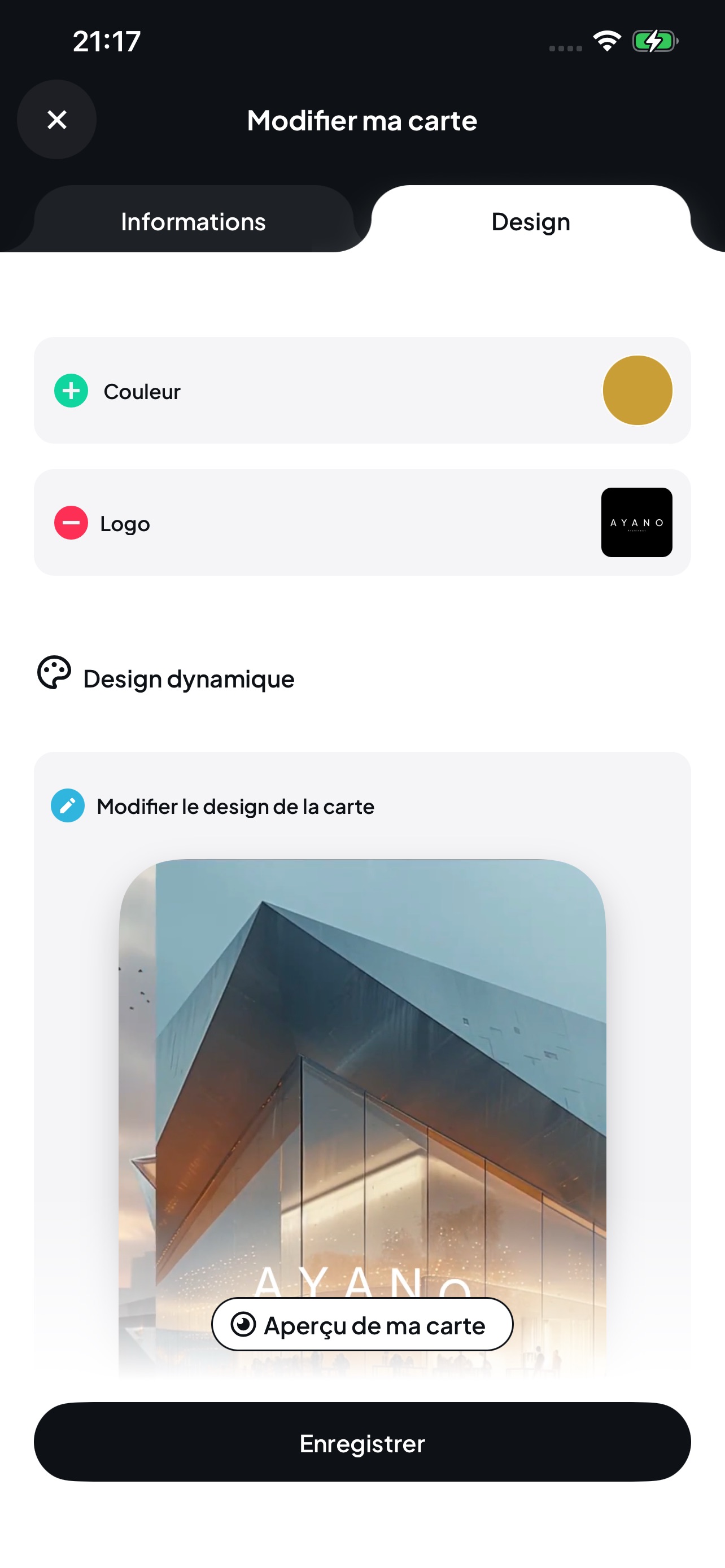
From the mobile app home screen, tap the pencil icon on your current Card, then open the Design tab in Edit my Card.
The Design screen offers color, logo and dynamic design controls.